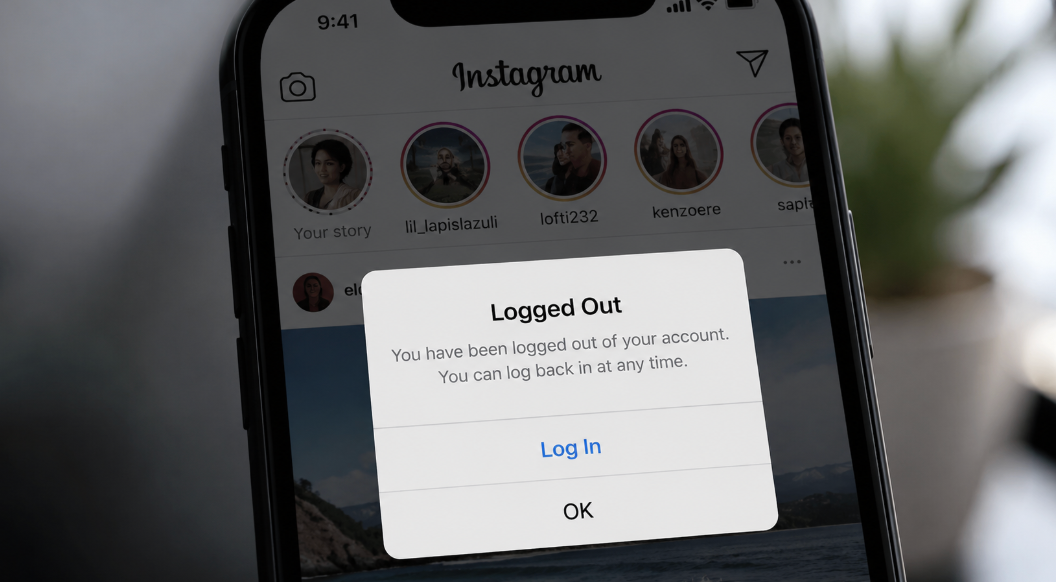
If you have ever tried scrolling on the Instagram app and it kept logging you out unexpectedly, you understand how frustrating that can be. You were left wondering why Instagram keeps signing you out. While, like any other technological innovation, Instagram can suffer from glitches, there are also many other possible causes. In this article, we guide you on why Instagram keeps signing you out and what you can do about the situation.
Who Else Is Logged Into Your Account
One of the major reasons why Instagram may keep logging you out if there is someone else logged into your account. When the app notices your account has a login attempt from various devices, networks, and locations, it might try to protect your account to prevent unauthorized access. In addition to other people logged in, this could be caused by other reasons, such as:
- Using an outdated Instagram app. Glitches in old and outdated apps can cause Instagram to misbehave. This can cause the app to keep logging you out.
- Instagram cache. Another cause of Instagram logging you out is as a result of corrupted cache files that impact the functioning of the app.
- Poor internet connection. A poor internet connection can also be a major cause of the Instagram app logging you out.
- Using a proxy or VPN. If you are using a VPN to access Instagram, you are likely to also be logged out. This can be attributed to the fact that a VPN can change your IP address, creating an impression that you are logging in from multiple locations.
On top of these causes, another cause may be your user is not found and that's the issue.
What to Do If You See a Session You Don't Recognize
- To deal with the issue of multiple logins, you can click on the Accounts Settings of Instagram>Accounts Center>Password & Security, and then where you are logged in. After that, click on Account Login Activity.
- Review the list of listed devices and remove the devices you might not recognize.
- Make sure you only use one trusted device to log in to Instagram.
The Fixes That Actually Work
The way to solve the problem depends on whether the problem is with your device or the Instagram app. Here are some ways to handle the situation:
If It's Your App or Device
Before you check on other things, you need to ensure that your Instagram app is up to date. Visit the App Store and install the latest version. You can also clear cache by visiting your phone settings, Apps, and choosing Instagram. Tap on clear cache if you are using an Android device, or offload/reinstall the app if you are using an iOS device. You can also try to delete the app from your phone and restart the device. You can then download the app and try logging in.
If it's your VPN or network
If you were using a VPN, you can turn it off before logging in again. You might then need to restart your device or clear the cache to make the app forget your login details. As noted earlier, a poor internet connection can be a cause for the Instagram app to log you out. Make sure you have some good mobile data and a stable wifi before logging into Instagram.
Frequently Asked Questions (FAQ)
Does Instagram log you out when someone else logs in?
No. It's not necessarily true that Instagram will log you out immediately when someone logs in to your account. The only reason your account may be flagged is when the app detects multiple logins from different geographic locations.
Why does Instagram keep logging me out on iPhone but not Android?
If Instagram logs you on iPhone but keeps you logged in on iOS, this could be a result of the corruption of the app cache, the background token getting expired, or the iOS app getting expired, so that it doesn't save your login details securely in your keychain.
Does changing your password log you out of other devices?
When you change your password, you are automatically logged out of all other devices apart from the one you are currently using. You can check this manually through the app settings before ending the active sessions.
