Instagram offers users an opportunity to connect with their family and friends, while Brands, too, can use Instagram to connect with their audiences. However, at times, the platform can be frustrating when you try to see your Instagram comment, but they don't load. This is even when you are sure you had some comments on the post. If this sounds like you, you don't have to worry, as we have a detailed guide on why the Instagram comments aren't loading and some of the common fixes you can try.
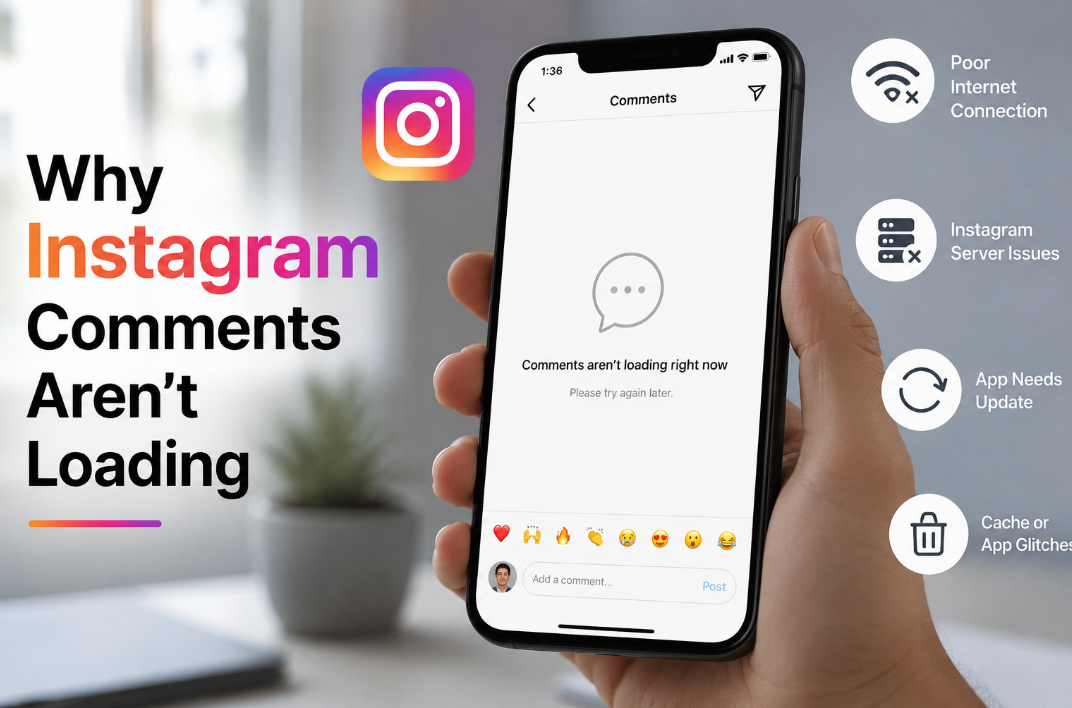
If Comments Won't Load at All
When you realize that your Instagram comments aren't loading, before you start looking for a solution, you need to realize that Instagram usually hides certain comments, not because of a bug but as one of its features. When you add a comment on Instagram, it's scanned by the algorithm to determine if it:
- Looks like spam
- Works like a bait
- Use offensive language
- Harasses others.
If there is something suspicious in the comment, it is automatically filtered by the algorithm. While at times Instagram does it well, at other times the filter can be quite aggressive, making even some legitimate comments get filtered. When Instagram comments don't load, you need to determine if it's you or the platform. One of the major culprits can be an unstable internet connection. The issue can also be a result of glitches.
Quick Fixes For Instagram Comments Not Loading
Here are some quick fixes to try for Instagram comments not loading, depending on the possible cause.
- If the Instagram comments not loading were caused by an aggressive filter, flagging your comments as spam, offensive, or scam, you can check the filter with the hidden comments. If it's filtered, you can edit it to remove words that may be considered offensive before posting it again.
- Check your Settings and filter by visiting our profile and clicking on the menu icon marked by three lines. Choose settings>privacy and comments. Click on Hidden Words and turn off the toggle for the Advanced comment filtering and offensive comments.
- List of hidden words. Perhaps you have created a list of words that should not be allowed in the comment. That means people who use those words will have their comments hidden. To solve the issue, check your list of words that you want Instagram to hide under the privacy Settings.
- At times, the comment may not load due to an app bug. To solve the problem, you can clear the cache to see if there is an app update.
- If you comment on another user's post but can't see your comment, it could be that the user has restricted you.
- Clear cache on your phone settings>Apps, Instagram> Storage> Clear cache.
- Update the app on the Google Play Store to ensure you have the latest version.
- Log out and log back in to refresh your session.
- Check if there are any account restrictions. You can do that by going to Settings>Privacy or Account status to ensure that you are not dealing with a temporary ban on your comments.
How to Tell If It's Instagram and Not You
If Instagram comments aren't loading, the culprit could be you or Instagram itself. There are several ways you can tell if its instagram, such as:
- Check devices or networks. You can also try to load the comment with mobile data if you were using Wi-Fi, and vice versa. If you were experiencing the problem on the app, you can try opening it on a desktop.
- Test another user's account. You can log in using your secondary account or that of a friend. If the comments are loading without a problem, your app cache or specific account could be the problem.
If the Comment Count Doesn't Match What You Can See
If the number of comments doesn't match the visible ones on Instagram, this could be caused by a number of factors, such as:
- Spam filter. If Instagram considers your comment to have broken any rule or to look like spam, it will be hidden, impacting the total number of comments.
- Deleted comments. At times, a comment might be deleted by a user, but it takes time to be updated.
- Hidden replies. Hidden comments or nested replies may not appear instantly.
You can solve the problem by:
- Tapping to view the hidden comment. You can do that by scrolling to the bottom of the list of comments and tapping on View Hidden Comments.
- Refreshing the app. Clear the app cache or check your internet connection.
Where Hidden Comments Actually Go
When Instagram comments are hidden, they remain on the post, but they are invisible to the public and the feed users. If the comments are flagged as either spam, offensive, or scam, they are placed in a moderation folder. You can find this folder by going to:
- Your profile and tapping the 3-dotted line at the far right corner
- Select Setting and privacy
- Scroll down until you get to the option of how others interact with you and tap Hidden words. You will see a lot of the hidden comments.
The screen will act as your command center, providing you with options to either Approve, Delete, or Report. When you approve a comment, it becomes public on the post immediately. On the other hand, when you delete it, it gets removed from the public completely.
While Instagram hides comments as a form of moderation to reduce negative, spam, and harassment, it can also be a challenge for creators' brands and other users. This is especially true when the app overdoes the moderation until it hides genuine comments. Fortunately, by following the steps in our guide, you can easily overcome the challenge. If you are unable to sign up for Instagram, we have a detailed guide on how to fix that issue.
Frequently Asked Questions
Why can I see the comment count but not the comments?
If you can only see the comment count but not the comment, it could be due to a network error, account restriction, or app glitches.
Why don't comments load properly on the desktop?
Instagram comments may fail to load well on desktop as a result of interference by the browser extension, a pop-up script getting blocked, or the web optimization being incomplete. Meta provides the infrastructure of a mobile app, meaning that the desktop browser version can be affected by cache errors, rendering bugs, or failures in server-side scripts.
Can you get back a hidden or deleted Instagram comment?
To restore a hidden comment, you can follow these steps:
- Click on the post and find the specific reel or post with the hidden comment.
- Open a comment to check the discussion thread.
- Check the hidden items by going to the bottom and tapping on see hidden comment,
- Tap Show comment or unhide to make it visible again.
